

If your ERP, online store, or corporate website relies on a server, sooner or later you’ll have to decide who will manage it. Linux server administration is the ongoing task of keeping the system up to date, secure, monitored, and ready to recover from a failure. The problem is comparing proposals that mention «24/7 monitoring,» «hardening,» or «SLA» without specifying what really matters.
For an SME in Barcelona or Catalonia, knowing which technologies a provider specializes in is just the beginning. It’s important to know what services they offer, how they demonstrate their ability to recover your data, and what they do when something goes wrong.
Key points:
- It requires that the scope distinguish between the system, containers, database, and application.
- Initial response and resolution are two different commitments.
- A copy is valid only if it has been successfully restored.
- Monitoring without designated personnel or procedures is not the same as responding.
- Choose a distribution based on its support cycle and compatibility.
- With Odoo, look for proven experience with PostgreSQL and Docker.
What does managing a Linux server actually involve?
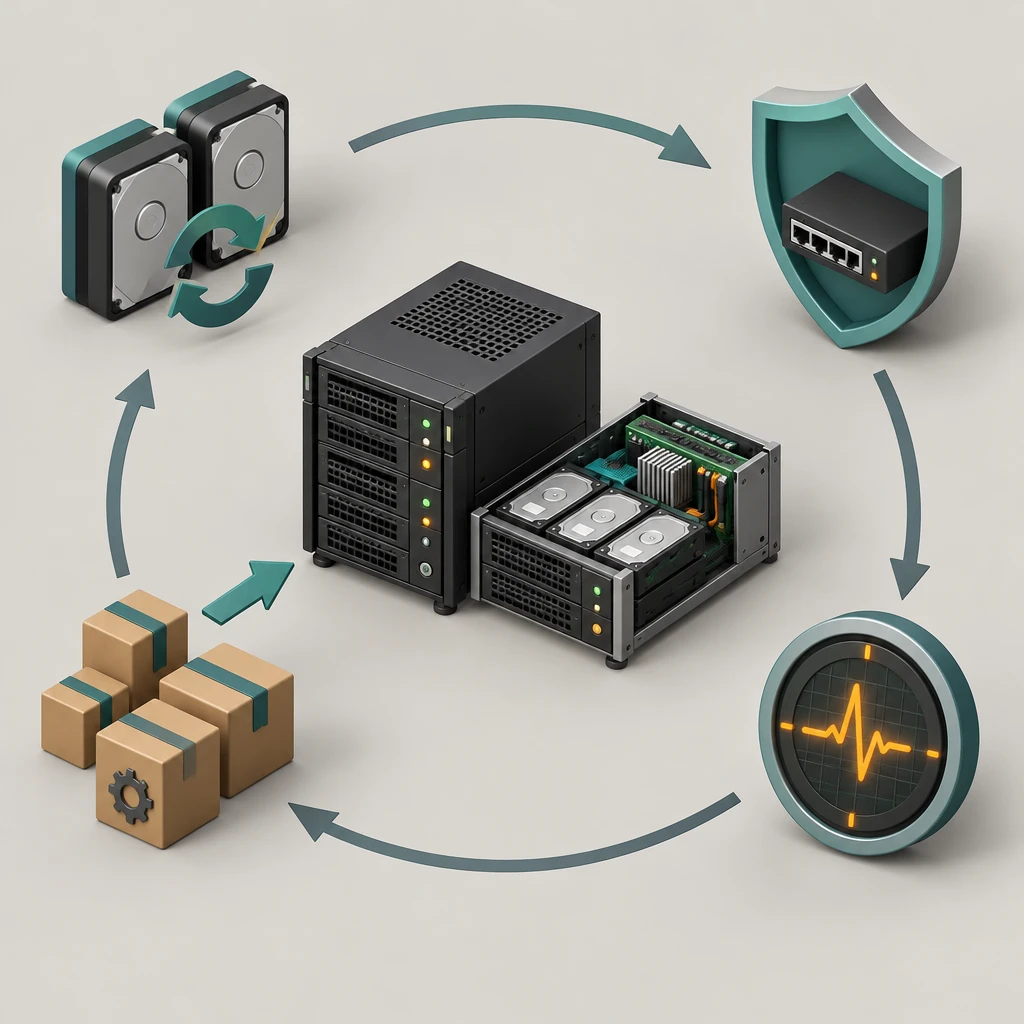
Administering a Linux server involves the ongoing task of configuring, securing, monitoring, updating, and optimizing a system to keep it stable and secure. It includes managing users and permissions, applying patches, managing services, configuring the firewall and SSH, reviewing logs, performing backups, and responding to incidents.
In practice, an SME’s server runs many components at once: a web server such as Nginx or Apache, a database such as PostgreSQL or MariaDB, Docker containers, scheduled tasks, and, often, a management application such as Odoo. Each component has its own updates, logs, and ways of failing.
The server can be a dedicated physical machine, a virtual machine, or a cloud instance. The work involved is largely the same: the person in charge must be proficient with the command line, the distribution’s package manager (apt in Debian and Ubuntu, dnf in Rocky Linux or AlmaLinux), systemd, and network configuration.
What Skills Should a System Administrator Have?
A good systems administrator, DevOps engineer, or SRE understands how system components interact, in addition to knowing how to execute commands. A kernel update requires a reboot, a full disk stops PostgreSQL, and a change to the reverse proxy can make Odoo inaccessible. For your company, that expertise is worth more than any single certification.
In addition to the operating system, to manage a modern infrastructure, you should be familiar with:
- Network security: firewall (nftables or ufw), SSH with keys and no root access via password.
- Databases: backups, memory tuning, and routine maintenance (vacuum, indexes).
- Containers: images, persistent volumes, networks, and Docker Compose updates.
- Observability: CPU, RAM, disk, and network metrics, and log reading.
How to Define the Scope Before Requesting a Quote
The most costly mistake when hiring is accepting a service called «full management» without knowing where its scope ends. Always ask that the scope clearly distinguish between four layers: operating system, containers, database, and application. Without that separation, every incident ends up in a debate over whose responsibility it is.
The four sections that the contract must include
- Operating system: patches, users, SSH, firewalls, disk space, scheduled reboots, and system log monitoring.
- Containers: Docker engine status, image updates, volumes, networks, and cleaning up obsolete images that are taking up disk space.
- Database: PostgreSQL backups, performance, table growth, connections, and restores.
- Application: Odoo modules, worker configuration, outgoing email, and functional errors.
Many system management providers cover the first two layers well but exclude the application. This isn't necessarily a flaw. What matters is that it's specified in writing before you sign the contract and that you're clear on who is responsible for what's left out.
A quick way to identify gaps
To verify the scope, present the provider with three specific scenarios and ask them to respond in writing, specifying who will take action and by when. For example: «Odoo returns a 502 error on a Monday at 9:00 a.m.,» «the disk reaches 95% capacity on a Saturday,» and «a critical kernel security update is released on a Friday afternoon.».
The kernel example is not theoretical. In October 2026, CVE-2026-98432 was published—a vulnerability in the Linux kernel’s handling of IPv4 TCP connections that could allow remote code execution. When faced with such an alert, you need to know who assesses the risk, who applies the patch, and who decides when to reboot.
If the answers are vague («we’d have to look into it»), the scope isn’t defined. If they specify layers, timelines, and responsible parties, you can make a comparison.
How do monitoring, maintenance, and response differ?
Monitoring means detecting when something goes wrong. Maintenance means preventing things from going wrong. Incident response means fixing a problem after it has already occurred. These are three different services, and a quote may include one without the other two.
Monitoring alone does not provide protection
Many market offerings advertise «24/7 monitoring every minute» of services such as HTTP, SSH, or the database, as well as system load. This is useful, but an alert at 3:00 a.m. that no one responds to until 9:00 a.m. does not shorten the service outage. Monitoring only translates into a response when there is a designated person in charge and a written procedure for each type of alert.
Ask, therefore, where the alerts are sent, who receives them outside of business hours, and what they do in the first few minutes. For an Odoo server, monitor at a minimum: HTTPS availability, disk space (with a warning at 80%), memory usage, the PostgreSQL status, and the TLS certificate expiration date.
Preventive maintenance is evident in what doesn't happen
Maintenance includes regularly applying patches, reviewing logs, rotating logs, cleaning up old Docker images, monitoring database growth, and renewing certificates. Its value is measured in terms of incidents prevented. Request a periodic report—at least once a month—listing the tasks that have been completed and those that are pending.
Incident response requires rules
The response procedure defines what is considered critical, how to open a support request (ticket, email, or phone call), who handles the diagnosis, and when you will be notified. Some providers only handle support requests via ticket because that allows them to maintain traceability. It’s a reasonable decision, but if your team needs to speak with someone during an outage, make sure to confirm this before signing a contract.
How to Read an SLA Without Any Surprises
A service level agreement (SLA) should specify the initial response time and the resolution time separately. The initial response time is the time it takes for a qualified person to begin working on your ticket. Resolution is the time it takes for the service to be restored. Confusing these two is the most common misunderstanding.
In the Spanish market, Linux server management plans typically offer different initial response times depending on the price. As of November 2026, there are plans starting at about €57 per month with a maximum response time of 4 hours, plans starting at about €98 per month with a 1-hour response time, and plans starting at about €130 per month with a 30-minute response time, plus a one-time setup fee of about €15. None of these response times guarantees resolution within that same timeframe.
What to Review, Clause by Clause
- Hours of coverage: 24/7 or only during business hours? Does it include local holidays, such as La Mercè in Barcelona?
- Priority Classification: What is considered a critical priority (complete outage), high priority (degraded service), and normal priority.
- Calculation of the time frame: Does it begin when you receive the automatic alert or when you open the ticket?
- Consequences of noncompliance: compensation, termination, or simply nothing.
An example of how to calculate the impact
Imagine that Odoo goes down at 10:00 a.m. on a Tuesday. With an initial response time of 4 hours, the technician could start at 2:00 p.m. If the resolution takes another 2 hours, the ERP system is back up by 4:00 p.m.—six hours without invoicing or processing orders. With a 30-minute response time and the same resolution time, the system would be back up and running around 12:30 p.m.—that is, after two and a half hours. The price difference between the two plans pays for itself as soon as you avoid losing even a single morning.
Backups that can be restored

A backup is only useful if it has been successfully restored within a known timeframe. Before signing a contract, ask for two figures in writing: the RPO (the maximum amount of data you can afford to lose, for example, 24 hours) and the RTO (how long it takes for the system to be back up and running, for example, 4 hours). Without those targets, «we make daily backups» guarantees nothing.
What Should Be Copied to an Odoo Server
In an Odoo installation with Docker and PostgreSQL, a full backup consists of three parts. The first is the database dump (pg_dump or a physical copy with WAL to recover data up to a specific point in time). The second part is the Odoo filestore, where attachments, PDF invoices, and images are stored. The third part consists of the configuration files: docker-compose.yml, odoo.conf, the reverse proxy configuration, and the certificates.
If the filestore is missing, you'll restore a database with thousands of inaccessible attachments. This happens more often than you might think, because the PostgreSQL dump completes without errors and no one checks the rest.
How to Check That the Restoration Is Working
- Require at least one copy stored off-server and in a different physical location, with encryption.
- Order a full restoration test on a separate server, at least once a quarter.
- Measure the actual time for that test and compare it to the agreed-upon RTO.
- Check the restored copy to make sure you can log in, open a recent invoice, and download its PDF.
- Request a brief report for each test, including the date, duration, and result.
For an Odoo database of about 20 GB with a filestore of a similar size, a full restore typically takes between one and three hours, depending on the disk and the network. If your provider can't give you that estimate for your specific case, it means they haven't measured it yet.
Odoo, PostgreSQL, and Docker require specific experience

If your server hosts Odoo, a generalist sysadmin isn't enough. You need someone who has deployed, updated, and restored Odoo in a production environment, who understands PostgreSQL beyond just knowing how to start it up, and who manages Docker with well-designed persistent volumes.
Questions That Help You Identify a Specialist
Ask how Odoo workers are sized. A common guideline is (cores × 2) + 1: on a 4-core server, that comes to 9 workers. Next, you need to adjust each worker’s memory so as not to exceed the available RAM. Also ask how they configure `shared_buffers` in PostgreSQL. The standard setting is 25% of the RAM, which is 4 GB on a 16 GB machine. Finally, ask them to explain how they plan an upgrade to a major version of Odoo without losing data.
In Docker, the specialist must explain where persistent data is stored, how to update an image without losing the filestore, and how to roll back if the new version fails. An answer along the lines of «we run `docker-compose pull` and restart» without first making a backup is a red flag.
Performance and Capacity
The provider must monitor both trends and spikes. If the database grows by 5% per month, it needs to notify you months in advance that disk space or RAM will run out. The same applies to slow PostgreSQL queries. A well-chosen index on an accounting transactions table can reduce the time it takes to generate a report from several minutes to just a few seconds.
What is the best distribution for an enterprise server?
Choose a distribution based on its support cycle, its compatibility with your applications, and the experience of the person who administers it, without letting personal preferences influence your decision. For most small and medium-sized businesses, reasonable options include Debian, Ubuntu Server LTS, Rocky Linux, and AlmaLinux. All four have large communities and release patches quickly.
Ubuntu Server LTS offers 5 years of standard support per release and is the most well-documented platform for Odoo and Docker. Debian stands out for its stability and simplicity. Rocky Linux and AlmaLinux, both compatible with Red Hat Enterprise Linux, filled the gap left by CentOS after its business model change and offer support cycles of about 10 years.
Beyond the brand, what you need to keep an eye on is the end-of-support date for the installed version. A server running a version that no longer receives security patches is a risk, even if it works perfectly. Ask the provider to include that date in their first report and to propose a migration at least six months in advance.
How to Compare Suppliers Objectively
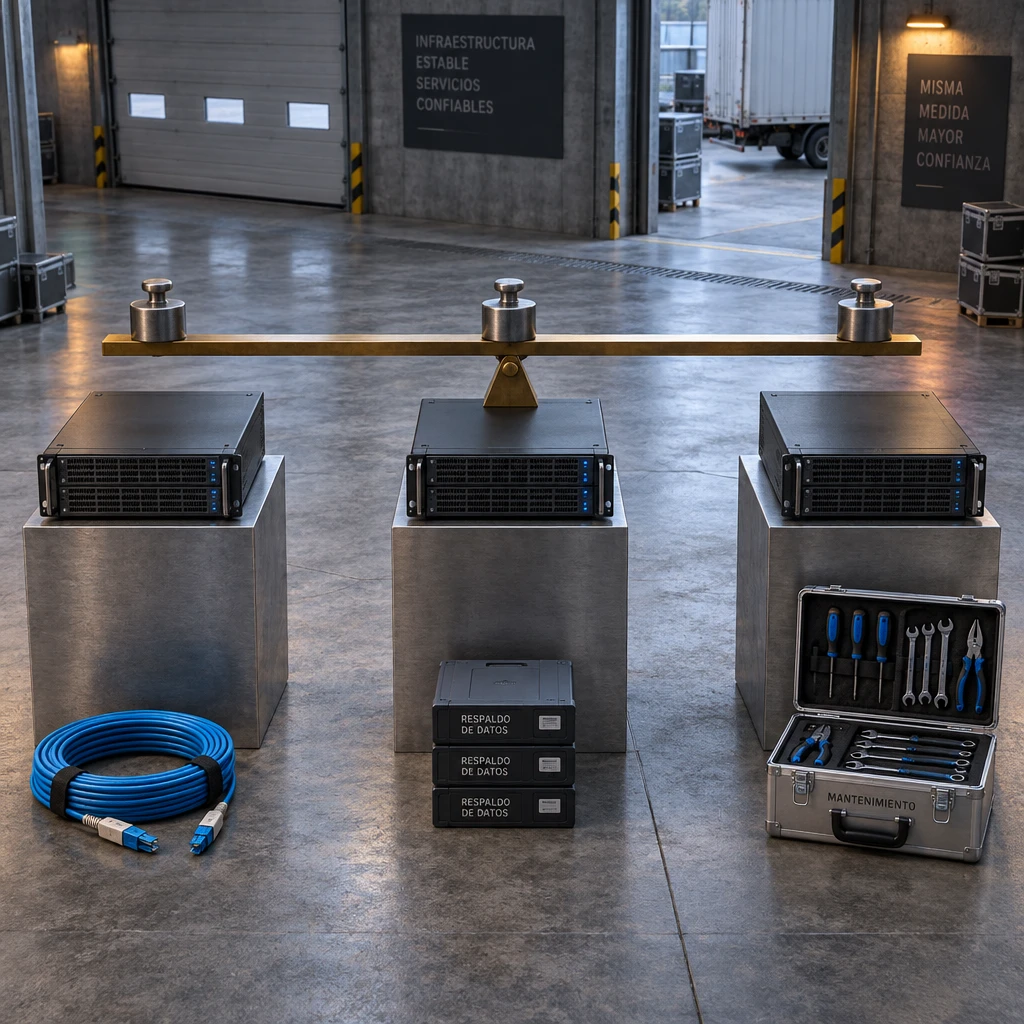
To compare providers, ask each one for the same information in writing and rate them based on verifiable criteria. That way, you’ll avoid choosing based on the monthly price or the longest list of features.
- Layered coverage: operating system, containers, database, and application, with explicit exclusions.
- SLA: Separate initial response and resolution, by priority and with coverage hours.
- Backups: Defined RPO and RTO, off-site location, restoration test frequency, and test reports.
- Experience with Your Technologies: Case Studies with Odoo, PostgreSQL, and Docker in Production.
- Security: patch policy, SSH access, firewalls, and critical vulnerability management.
- Transparency: regular reports, access to documentation, and the return of credentials if you switch providers.
This last point is often overlooked. It requires that the infrastructure be documented and that you be able to retrieve all access credentials at any time. A provider that keeps the keys exclusively for itself becomes a risk to your business continuity.
Proximity matters, too. A team in Barcelona can come to your offices when there’s a physical issue or when you need a diagnostic meeting. Synergia, for example, manages Linux servers running Odoo, PostgreSQL, and Docker on dedicated servers, with on-site and remote support in Barcelona and a two-hour response SLA.
Where to Start
Before requesting quotes, prepare a one-page summary: which applications your server runs, what distribution and version it uses, how much space the database and attachments take up, and how many hours of downtime your business can tolerate. With this summary, each provider will be answering the same questions, and you’ll be able to compare them on an equal footing. If you’d like to start with an assessment of your current infrastructure, the Synergia team can review it with you.
Frequently Asked Questions
How much does a Linux server management service cost?
As of November 2026, the market offers plans ranging from about €57 per month with a response time of 4 hours to about €130 per month with a response time of 30 minutes. The final price depends on the scope, the hours of coverage, and whether the plan includes a database and an app.
How often should a Linux server be updated?
Apply critical security patches within a few days and the rest during a monthly maintenance window. Kernel updates require a reboot, so it's best to schedule them outside of business hours and with a recent, verified backup.
If I sign up for a managed service, will I still be able to access my server?
Yes, and you should insist on it. Always keep your own administrative records and a copy of the documentation. That way, you stay in control and can switch providers without depending on anyone.
Do you need a dedicated server to host Odoo?
It is not required, but it is recommended when you have around 10 or more concurrent users or when working with large databases. A dedicated server prevents you from sharing resources with other customers and offers more predictable performance for PostgreSQL.