
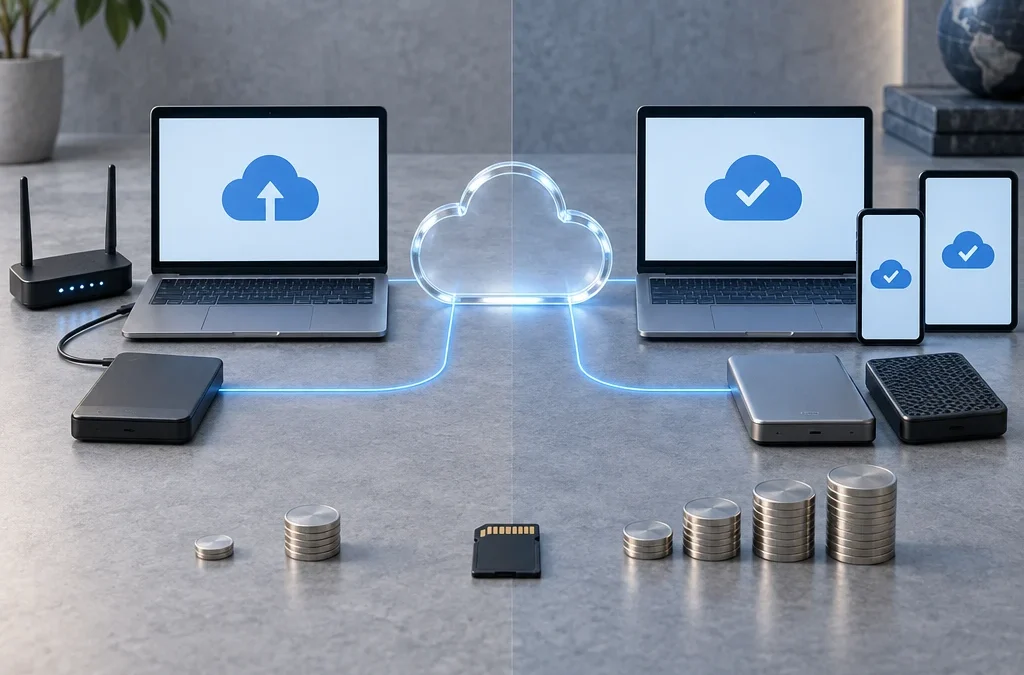
Signing up for cloud backups seems simple until the day comes when you need to restore them. That’s when you find out whether the service keeps enough versions, whether your database backup is consistent with the files, and how much it really costs to download several hundred gigabytes in the middle of a crisis.
If you run an SME in Barcelona or Catalonia using Odoo, Linux servers, or Docker containers, you need verifiable criteria—not empty promises from a brochure. Here, we turn those criteria into specific questions for the provider and a performance test that clearly shows which service meets the requirements.
Key points:
- A backup requires more than just synchronization: it also requires versions and retention.
- Define the RPO and RTO before comparing providers.
- It requires immutability and separate credentials to protect against ransomware.
- Review the location, the data processor agreement, and the subprocessors to ensure compliance with the GDPR.
- Odoo requires consistent backups of PostgreSQL and the filestore, as well as the environment.
- Compare the total cost of restoration, not just storage.
What is the difference between storage, synchronization, and backup?
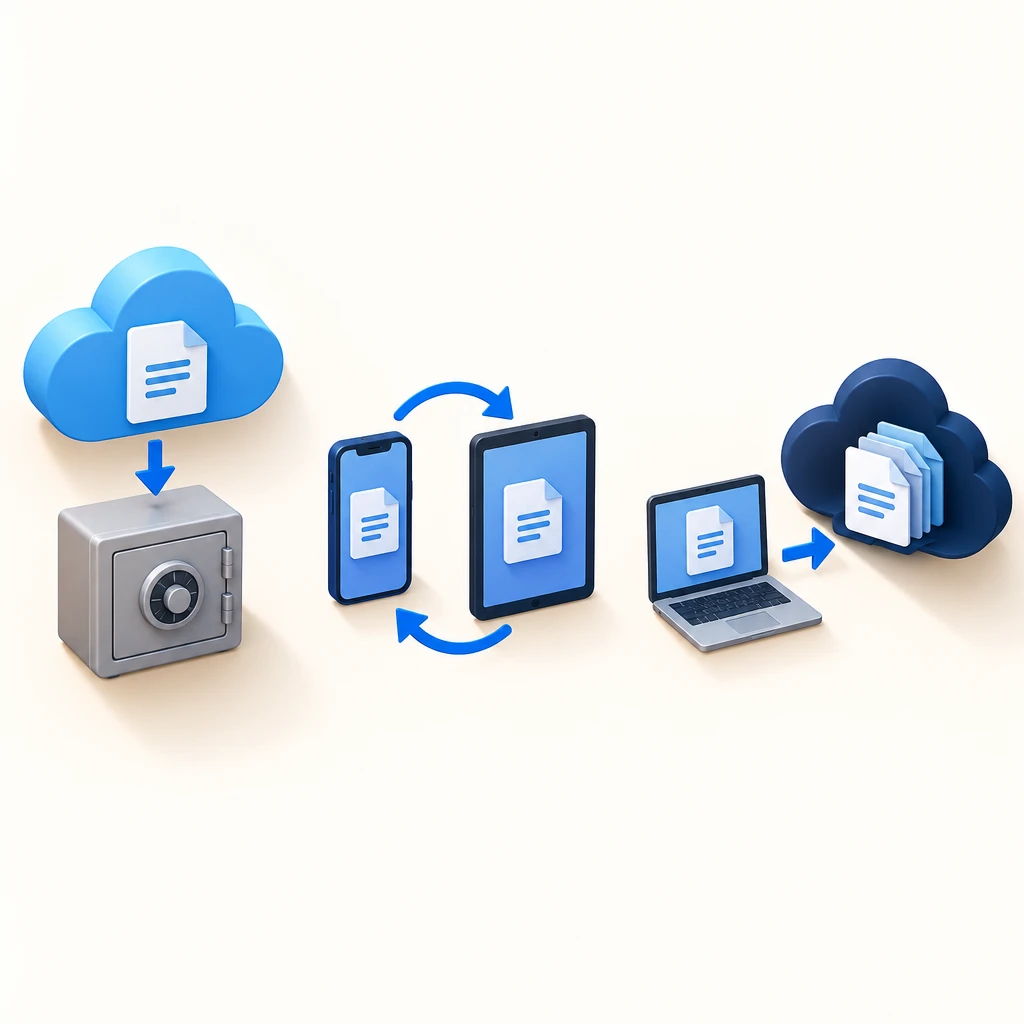
A backup allows you to restore previous versions and deleted data within a defined retention period. Cloud storage simply provides a place to store files, and synchronization replicates changes across all devices—including deleted files and those encrypted by ransomware.
Confusion is common among small and medium-sized businesses that use a synchronized shared folder and consider it their backup. If an employee deletes a directory, the deletion propagates within seconds. If ransomware encrypts the documents, the encrypted version replaces the original on all computers.
A true backup service is distinguished by three verifiable features: scheduled and automatic backups, retention of historical restore points according to a policy, and restoration independent of the source system. When evaluating a service, ask them to demonstrate how to recover a file exactly as it was 30 days ago. If they can’t, it’s not a backup.
What types of cloud backups are there?
There are four main models, and the choice depends on who manages the software, who controls the keys, and where your systems are hosted. For an SME with its own servers, it’s common to combine a fast local copy with an external replica in the cloud.
The four standard models
- Direct backup to public cloud object storage. You use your own software (restic, BorgBackup with a remote repository, pgBackRest, or similar) and the provider simply provides the destination. Almost all tools are compatible with the Amazon S3 API, which has become a de facto standard.
- A provider specializing in backup. The provider offers an agent, a console, policies, and support. You lose some control, but management becomes simpler.
- Cloud-to-cloud backup. Protect SaaS services or hosted servers by backing up their data to another platform.
- Local backup with cloud extension. A server or NAS in the office stores the backup and sends an external replica.
Which one does your company need?
If you have Odoo on a Dedicated Server with Docker, Model 1 or Model 4 works best: you control the scripts that freeze the database and package the volumes. If your technical team consists of just one or two people, a specialized provider reduces the operational burden—provided it allows for consistent copies of the application and not just the files.
Avoid services that only copy entire disks or virtual machines without the option for granular restoration. Restoring an entire machine just to recover a single invoice takes hours—time you don't have.
The Two Key Metrics: RPO and RTO

The RPO (Recovery Point Objective) is the maximum amount of data you are willing to lose, measured in time. The RTO (Recovery Time Objective) is the maximum amount of time your business can be down while you restore your systems. Set both of these before requesting quotes, because they determine the backup frequency, the architecture, and the price.
How to Define Them Using Real Numbers
To determine the RPO, ask yourself how many hours’ worth of orders, packing slips, or accounting entries you would have to re-enter manually. At a distribution center that issues 200 delivery slips per day during a 10-hour workday, an RPO of 24 hours means having to redo about 200 documents. With an RPO of 1 hour, the maximum loss drops to about 20 delivery slips.
For the RTO, estimate how long your business can operate without an ERP system. An e-commerce business connected to Odoo might be able to manage for 4 hours. A professional services firm might be able to hold out for an entire workday.
An RPO of less than one hour requires more than just nightly backups. In PostgreSQL, this involves the continuous archiving of WAL (transaction logs), which allows data to be recovered up to a specific point in time.
How to Verify That the Supplier Can Meet These Requirements
Don't just accept the figures listed in the catalog. Ask these questions in writing:
- What is the guaranteed download bandwidth for the restore?
- How many parallel streams does the restore support?
- How long does it take for a copy saved at the file level to become available?
- Can it be restored on a server other than the original one?
Do the math yourself. To restore 500 GB at an effective rate of 200 Mbit/s, you have to divide 4,000,000 Mbit by 200: about 20,000 seconds, or roughly 5 and a half hours just for the transfer. If your RTO is 4 hours, that service won’t work for you without a complementary local copy.
Performance varies among providers depending on the size of the network, the number of parallel streams, and the speed of the destination storage. That's why the only valid measurement is a timed restore in your own environment.
How to Protect Backups from Ransomware
A backup that an attacker can delete does not protect you. Require the service to provide immutable copies (with an object lock that prevents them from being modified or deleted for a set period), encryption with keys you control, and a true logical separation between production and backups.
The threat is not just theoretical. In IBM’s 2021 Cyber Resilient Organization Study, 51% of the more than 3,600 security and IT professionals surveyed admitted to having suffered a data breach in the previous 12 months. Attackers target backups first, because without them, the victim is more likely to pay.
Immutability and Logical Separation
Object Lock (in the S3 ecosystem, in compliance mode) prevents a copy from being deleted before its retention period expires, even if someone has administrator credentials. Ask the provider which mode it uses and whether an administrator of your account can shorten the retention period. In governance mode, they can, and that weakens the protection.
There must also be a logical separation—known as an "air gap"—between the primary storage and the copies. The Odoo server should not be able to delete or overwrite the data it sends.
Credentials and Encryption
To comply with this principle, configure the production server with a key that only allows data to be added (append-only) and store the deletion credentials in a separate account, preferably one that uses two-factor authentication and is outside the corporate domain. If an attacker compromises the server, they will only be able to add data—never delete it.
Encryption must be applied at the source, before the data leaves the server, using AES-256 or an equivalent standard. Whenever possible, manage the keys yourself and store an offline copy in a secure physical location. If you lose the key, you lose the copies: document who is responsible for it and how it can be recovered.
The Updated 3-2-1 Strategy
The 3-2-1 rule still applies: three copies of your data, on two different media types, with one of them stored off-site. Today, it has expanded to 3-2-1-1-0: one immutable or isolated copy and zero errors in restore tests. For an SMB, this means production data, a local copy on another server or NAS, and an immutable replica in the cloud with independent credentials.
Data Location and the GDPR

Your copies contain personal data of customers, employees, and suppliers, so the provider acts as a data processor under Article 28 of the GDPR. Check three things: that the data is stored within the European Economic Area, that a data processor agreement has been signed, and that you are aware of the list of subprocessors.
What to Request in Writing
- Signed data processor agreement, including technical measures, the duration of the agreement, and the disposition of the data upon termination of the service.
- Security documentation describing the infrastructure and the measures implemented.
- An updated list of sub-managers and the exact storage locations, including the region of each data center.
- Security incident log and procedure for notifying you of a breach in time for you to meet the 72-hour deadline set by the Spanish Data Protection Agency.
Beyond choosing a European region
Selecting Frankfurt, Paris, or Madrid as a region is not enough. A provider headquartered outside the European Union may use subprocessors who provide support via remote access from other countries, and that constitutes an international transfer. Check whether it complies with the EU-U.S. Privacy Shield Framework or uses standard contractual clauses.
Encryption at the source using proprietary keys greatly reduces the practical risk, because the provider only stores unreadable data. It does not replace the contract, but it does strengthen it.
How long should copies and their versions be retained?
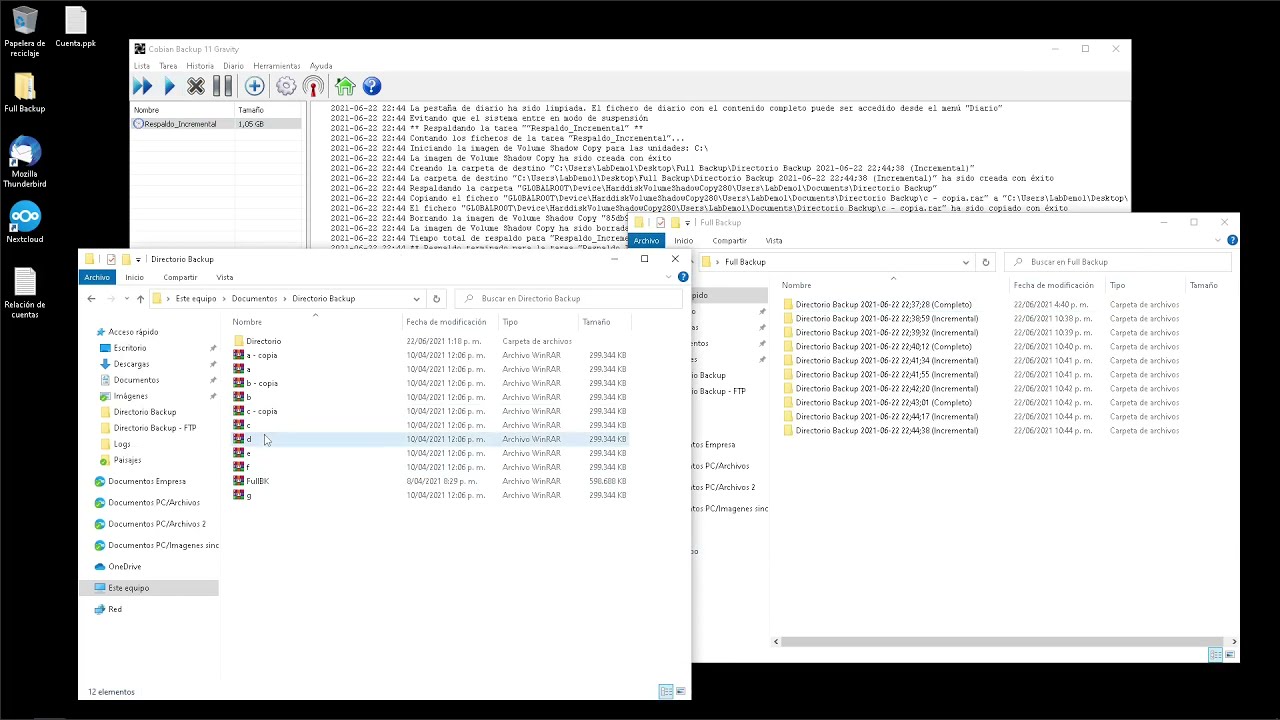
For most small and medium-sized businesses, a phased approach works best: daily backups for 30 days, weekly backups for 3 months, and monthly backups for 12 months. This approach covers errors detected late and ransomware attacks that remain dormant for weeks before being triggered.
The retention period determines how far back you can go. If an employee incorrectly changes the accounting settings in March and no one notices until the June closing, a 30-day retention period won't help you.
It is important to distinguish between backups and legal archives. The requirement to retain accounting records and supporting documents for six years, as stipulated by the Commercial Code, is best met by exports intended for archiving rather than by operational copies. At the same time, the GDPR requires you not to retain personal data longer than necessary, so indefinite retention is also a problem.
Storage tiers help keep costs down. Recent copies go to the frequently accessed tier, and older ones are automatically moved to the archive tier, which is cheaper for storing data but slower and more expensive for retrieving it. Set up these lifecycle rules from day one and make sure the immutability period aligns with the retention period.
What Should an Odoo, PostgreSQL, and Docker Backup Include?
An Odoo backup can only be restored if it includes a consistent PostgreSQL dump, the filestore from that exact moment, and everything needed to reconstruct the environment: custom modules, the exact version of the image, configuration, and Docker volumes.
Consistency Between the Database and the File Store
Odoo stores records in PostgreSQL and attachments (PDF invoices, product images, documents) in the filestore, typically in `/var/lib/odoo/filestore/`. If you back up the database at 2:00 a.m. and the filestore at 3:30 a.m., the attachments created during that time will either point to nonexistent files or result in extra files with no corresponding records.
To avoid this, run `pg_dump -Fc` and package the filestore in the same script, after first stopping the Odoo service or cron job, or use coordinated volume snapshots. Odoo’s built-in database manager generates a ZIP file containing both, but with large databases, this process is slow and does not support incremental backups.
Reconstruction of the surroundings
The database alone isn't enough. To Set up Odoo on a new server You need:
- The `docker-compose.yml` file and the `.env` files, with the secrets stored separately.
- The exact version of the Odoo and PostgreSQL image.
- The repository of in-house and third-party modules, along with their specific commits.
- The `odoo.conf` file, the reverse proxy configuration, and the certificates.
Persistent Docker Volumes
A generic copy of the host does not guarantee that Docker volumes will be copied correctly. You need to include a specific step in your plan: identify each volume using `docker volume ls` and copy its contents while the application is stopped or in a mode that ensures consistency. Never perform a hot copy of the PostgreSQL data directory, because you’ll end up with a corrupted copy. For the database, always use `pg_dump` or WAL archiving.
Restoration Test and Total Cost

The value of a backup is only proven when you restore it. Before signing a contract, request a timed recovery test on a clean server and calculate the total cost of restoration: storage, outbound data transfer, file-level recovery, and support.
A Six-Step Recovery Test
- Deploy a clean server with the same Linux distribution and the same version of Docker.
- Download the latest copy and note the start time.
- Restore PostgreSQL using `pg_restore` with the filestore in its path.
- Start the `docker-compose` services using the saved configuration.
- Open recent invoices with attachments and check that the PDFs display properly.
- Write down the end time and compare the elapsed time with your RTO.
Repeat this test every quarter and after every major Odoo update. If the test fails, the plan is not ready, even if the dashboard shows all copies as green.
Which Costs to Compare
The price per GB of storage is just one part of the equation. Ask the provider for details on four items: monthly storage fees by tier, egress charges per GB downloaded, the rate and turnaround time for retrieval from the archive tier, and the cost of media for an emergency restore. Also ask about the minimum retention periods that are billed: some archive tiers charge for 90 or 180 days even if you delete the data sooner.
Deduplication and compression at the source reduce both the stored volume and the data transfer. An Odoo database with a lot of text usually compresses very well, while PDFs and images in the filestore are hardly reduced at all.
If you want to verify that your Odoo instance meets these criteria, Synergia works with Odoo deployments on Docker and PostgreSQL on dedicated servers and provides on-site and remote support in Barcelona, with a two-hour response SLA.
Before you decide, time how long a meal takes to prepare
Today, write down your RPO and RTO—one line each—and send the questions in this article to two providers. Then schedule a full restore on a clean server and time it. The service that passes that test within your RTO, with immutability and a signed data processor agreement, is the one you should hire.
Frequently Asked Questions
How much does a cloud backup service cost for a small business?
It depends on the data volume, storage capacity, retention period, and data transfer during restoration. Request a quote that breaks down these four items and calculates the cost of a full restoration—not just the monthly fee.
How often should you back up Odoo?
At least once a day, with the database and filestore running in the same process. If your RPO is less than 24 hours, enable continuous WAL archiving in PostgreSQL to restore data to a specific point in time.
Are Google Drive or OneDrive suitable for business backups?
Not on their own, because they synchronize changes, including deletions and encrypted files. They can be part of the strategy if you add versioning with sufficient retention and a separate copy with distinct credentials.
Is it mandatory for the copies to be stored on servers located in the European Union?
The GDPR does not explicitly require this, but transfers outside the European Economic Area require additional safeguards. Choosing a European region with a provider that limits the use of foreign subprocessors greatly simplifies compliance.