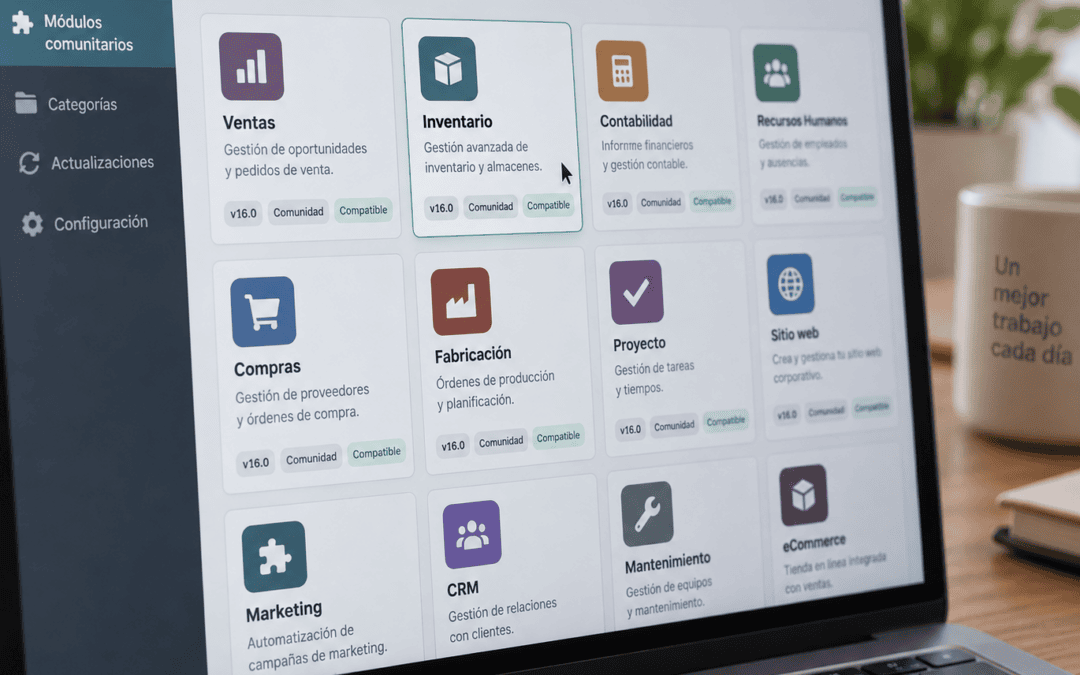
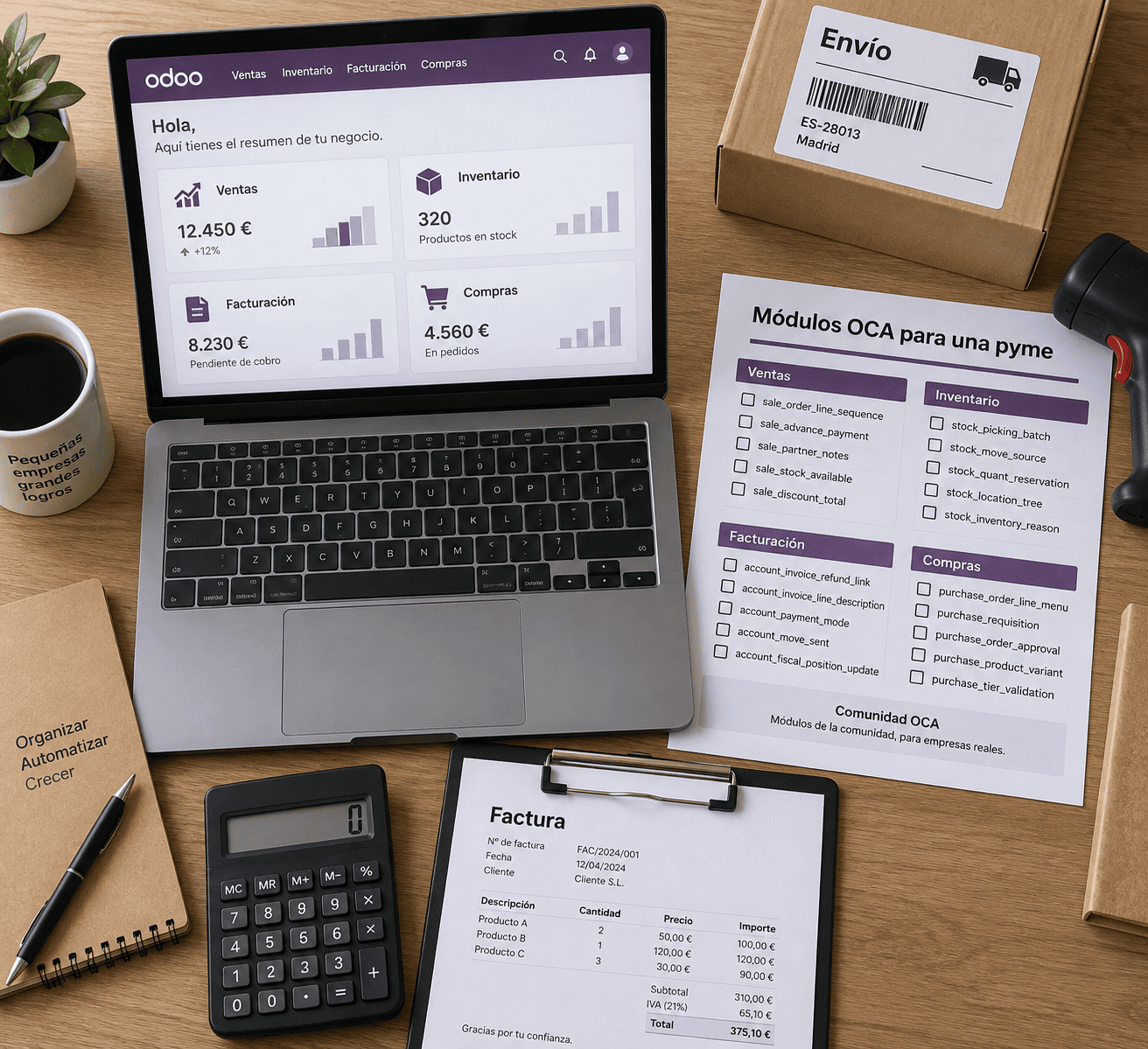
More than 200 repositories on GitHub and thousands of modules: that’s the volume maintained by the OCA community for Odoo Community—and without paying a license fee for any of them. The number can be misleading, because not all modules are compatible with your version of Odoo, nor do they all receive the same level of maintenance. If you’re already using the Community edition and want to expand its functionality without upgrading to Enterprise, you need a way to distinguish between reliable modules and those that have been abandoned.
OCA (Odoo Community Association) is a nonprofit organization independent of Odoo S.A. In this guide, we'll walk you through how to evaluate a module, how to install it using Docker, and when it's best not to use it.
Key Points
OCA is independent of Odoo S.A.; there is no official support from Odoo.
The modules are free (AGPL-3), but maintaining them comes at a cost.
Check the branch, activity, CI tests, and maintainers before installing.
Just because it exists in an older branch doesn't guarantee that it exists in your version.
With Docker, mount the OCA repositories and add them to `addons_path`.
Fewer modules make each version update easier.
What is OCA, and how is it related to Odoo?
OCA is a nonprofit association that coordinates the development of open-source modules for the Odoo Community. The code is hosted on GitHub under the organization OCA, and any developer or company can propose changes. Odoo S.A. participates as a member, but does not own or provide support for these modules.
That distinction is important in practice. If an OCA module fails, you don't open a ticket with Odoo: you report it as issue In the repository, either you fix it or a vendor does.
Odoo Community, Enterprise, and OCA: Three Different Things
Odoo Community It is the free version, licensed under the LGPL-3. Odoo Enterprise It is the paid edition, with proprietary modules and official support. OCA is neither of these: it is a set of additional modules that are installed on top of Community.
That's why the answer to «Is OCA the same as Odoo Community?» is no. Community is the base product; OCA adds features that Community doesn't include, such as advanced reconciliation, reports, server utilities, and localizations.
License and Actual Cost
OCA modules are primarily licensed under the AGPL-3 (some under the LGPL). You can download, modify, and use them in your company without paying a license fee. The AGPL requires that modified code be made available to users who access the system over a network, which primarily affects those who resell software.
Free, however, does not mean cost-free. You pay for integration, testing, migration between versions, and repairs when something breaks. That cost is what determines whether a module is worth it, and we’ll discuss that further below.
OCA is a nonprofit association whose goal is to promote the use of Odoo and support the collaborative development of its open-source modules.
Criteria for Evaluating an OCA Module Before Installation
A module is reliable if it is published on your Odoo branch, has recent activity, passes the automated tests, and has identified maintainers. You just need to check four or five indicators in its repository—which takes about ten minutes—to avoid most problems down the road.
The table summarizes what to look for and how to interpret it.
Criterion
Where is it checked?
A good sign
Warning sign
Branch of your version
GitHub branch selector (for example, 17.0)
The module folder exists
It appears only in earlier branches
Activity
Tab Commits y Pull requests
Changes over the past 6–12 months
Last commit was more than two years ago
IQ Tests
Green checkmark on the latest commit
Tests run on GitHub Actions
Unresolved Cases
Maintainers
`maintainers` field in the manifest
One or more names
Empty field
Status
`development_status` field
Production/Stable or Beta
Alpha or unspecified
Branches
`depends` field in the manifest
Very few—all in OCA or Odoo
Many, from unmaintained repositories
Compatibility by Version
OCA maintains a separate branch for each Odoo version (16.0, 17.0, 18.0). A module may exist in version 14.0 and not have been migrated to version 17.0. Never assume that a module from an older branch exists in yours. Check the folder in the correct branch before making any plans.
It's also a good idea to check if there's a pull request open migration issue. If there is one and it hasn't been reviewed in months, the module won't be available anytime soon.
Activity, Maintainers, and Status
Activity isn't measured solely by the date of the last commit. A small, stable module may not change for a year and still function properly. What matters is that the issues that they receive a response and that someone reviews the migration logs.
The `maintainers` field in the `__manifest__.py` file indicates who is committed to maintaining it. If it is empty, no one has that formal responsibility. The `development_status` field completes the picture: Alpha means experimental, Beta use with caution and Production/Stable reliable.
CI and Runboat Tests
Every pull request in OCA goes through continuous integration: automated tests, style checks with pre-commit and coverage. A commit marked green indicates that the module installs successfully and that its basic tests pass on that branch.
In addition, OCA uses Runboat, a system that launches an Odoo instance with the module installed based on a pull request or a branch. From the repository itself, you can open that instance and test the module without installing anything on your server. Use it whenever possible before making changes to the production environment.
Which OCA modules are useful for an SME in Spain?
The most useful repositories for a Spanish SME are those for localization (`l10n-spain`), accounting (`account-financial-tools`, `account-reconcile`), reporting (`reporting-engine`), and server utilities (`server-tools`, `server-ux`). They address gaps that the Community does not cover by default.
Spanish localization: l10n_es
The `l10n-spain` repository contains the `l10n_es_`that Community does not include in full. These include tax forms (303, 111, 347, 349), the SII, electronic invoicing (FACe and Facturae), and support for SEPA transfers for collections and payments. For a company in Barcelona that files taxes with the Tax Agency, this is likely the most relevant repository.
Reliability here depends on the regulations. When a tax form changes, the module must be updated; that’s why we check the repository’s activity before supporting a quarterly closing there. If your accounting firm requires a specific form, verify that the module supports it in your version—not in another one.
Accounting, Reporting, and Profits
In accounting, `account-financial-reporting` provides more comprehensive balance sheets and general ledgers, and `account-reconcile` improves bank reconciliation. In `reporting-engine`, you'll find spreadsheet-based report generators. `server-tools` contains modules for administrative tasks, such as scheduling the cleanup of attachments or auditing changes.
When You Should Avoid Using an OCA Module
Do not use a module if it meets any of the following conditions:
It is only available in versions that are no longer supported.
It has a feature that Odoo Enterprise or a newer version of Community already includes as standard.
It depends on many other modules that are not maintained.
It's time for the tax calculation, and there has been no activity in the past year.
It offers a minor convenience that doesn't justify the cost of migrating it every year.
If the module is cosmetic, it's sometimes cheaper to adapt the process than to maintain the code.
OCA vs. the Odoo App Store: Practical Differences
The Odoo App Store brings together third-party modules—both free and paid—published by companies or individual authors. OCA is a community project with common quality standards. Both can be good, but their quality control processes differ.
In OCA, the code undergoes peer review by other developers, testing, and style checks before being merged. On the App Store, quality depends on the developer: you’ll find excellent modules as well as others that haven’t been updated in years. Additionally, a paid module gives you a vendor to contact for support, whereas on OCA, support is provided by the community or must be contracted separately.
To make a decision, use this rule of thumb: If there is an OCA equivalent with recent activity, start there. If you need a support commitment with a clearly defined point of contact, consider a paid module or a custom development project with a contract.
Do OCA modules work with Odoo Enterprise?
Technically, many do, because Enterprise is built on top of Community. However, this is not guaranteed: some OCA modules replace features that Enterprise already provides and may conflict with its proprietary modules. If you’re using Enterprise, test each module on a copy of the database before installing it, and remember that official Odoo support does not cover OCA code.
Step-by-Step Guide to Installing OCA Modules with Docker
The installation involves downloading the OCA repository for your branch, mounting it as a volume in the container, adding its path to `addons_path`, and updating the list of applications. With Docker, the process is reproducible and can be repeated exactly the same way in both testing and production environments.
Here are the steps we follow:
Create a directory on the server for external add-ons, for example, `/opt/odoo/oca`.
Clone only the branch you need: `git clone --depth 1 -b 17.0 https://github.com/OCA/l10n-spain.git`. The `--depth 1` option prevents the entire history from being downloaded.
Mount that folder as a volume in `docker-compose.yml`, for example, `/opt/odoo/oca/l10n-spain:/mnt/extra-addons/l10n-spain`.
Add the path to `addons_path` in `odoo.conf`, separated by commas from the existing paths.
Install the Python dependencies specified by the repository. Many include a `requirements.txt` file; install it in a custom image, not manually inside the container.
Restart the container, enable developer mode, and tap "Refresh App List".
Install the module first in a test database, and only then in production.
Own image and facilities
A common mistake is to install Python packages with `pip` inside a running container. These packages are lost when the container is recreated. Define a `Dockerfile` that starts from the official Odoo image, copies the `requirements.txt` file, and installs the packages. This way, every deployment includes everything needed.
Also pin the versions: use a specific image tag and a commit specific details for each OCA repository. If you always download the latest version of the branch, an update to a module could break your production environment without warning.
Backups before every change
Perform a PostgreSQL dump (`pg_dump`) and make a copy of the filestore Before installing or updating any module. Uninstalling a module does not always undo the data it created, and sometimes the only way to revert the changes is to restore the system. At Synergia, we deploy Odoo on Dedicated Servers with Docker and PostgreSQL, and this backup is part of any production deployment.
The Real Cost: Maintenance and Version Updates
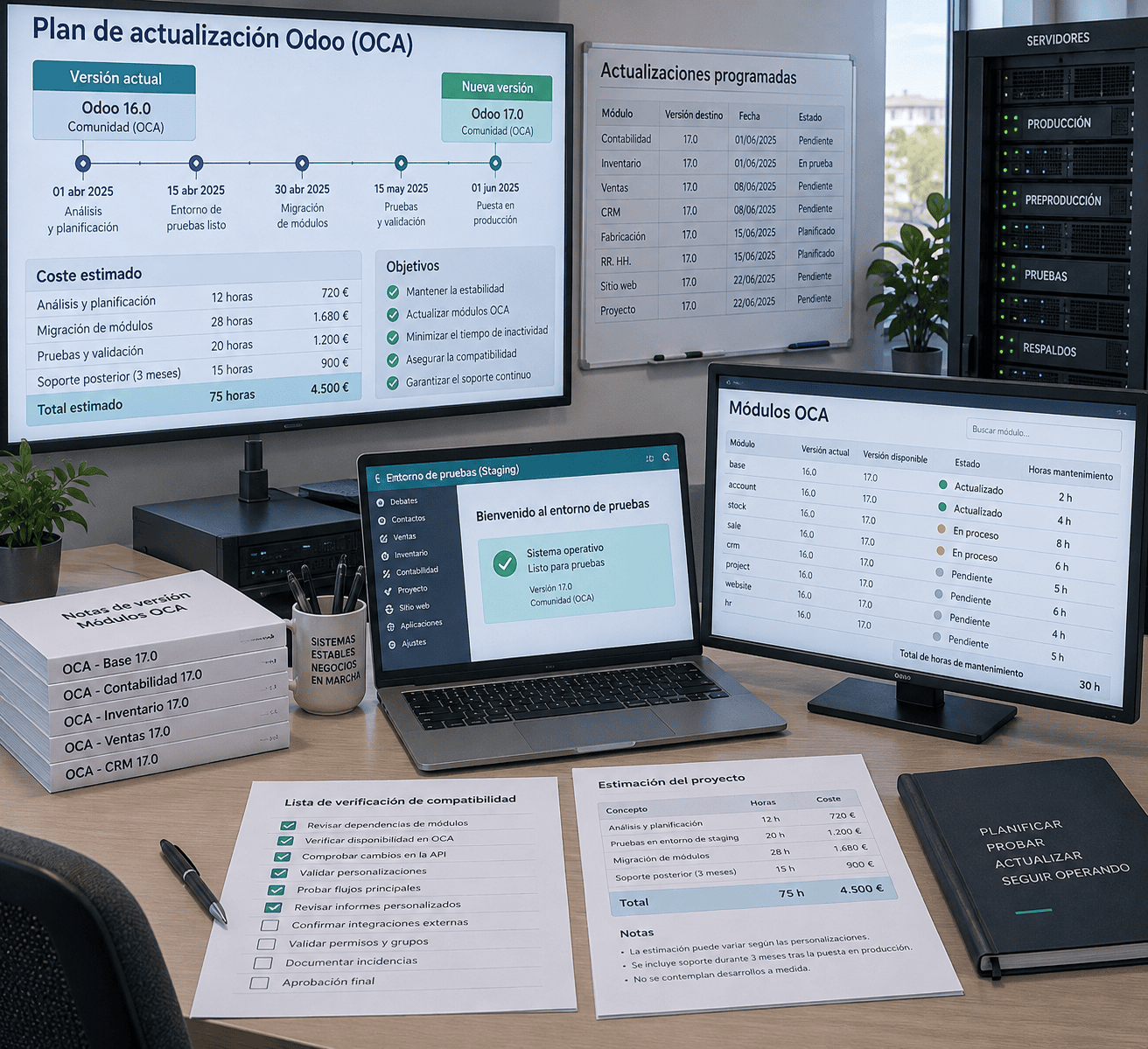
The cost of an OCA module arises when you upgrade Odoo. Odoo releases a major version every year, and each external module must be migrated to the new branch before you upgrade. If it isn't, you have three options: wait, migrate it yourself, or do without it.
What Happens to a Module When It Is Updated
Migrating a small module can take a few hours of development. A large one, with views, reports, and tax logic, can take several days. As a rough estimate, with typical consulting rates ranging from €50 to €90 per hour, eight hours would cost between €400 and €720 per module. These figures are approximate: they depend on the complexity and condition of the code.
If the module has active maintainers, the migration will likely be available for free on the new branch in a few months. That's why it's a good idea to check the next branch and the open pull requests before deciding when to update.
Fewer modules, simpler updates
Every module you add is a dependency you have to manage. Forty external modules mean forty potential issues on migration day. Before installing one, ask yourself if the functionality justifies that annual commitment.
A simple policy helps: keep a documented list of external modules, including their repository, branch, reason for use, and the person responsible. That way, when the next update comes, you'll know exactly what to review.
Common Mistakes When Using Community Modules
The most common mistakes aren't technical; they're judgment calls. These are the ones that make life the hardest for an SME:
Believing that OCA has official support from Odoo. It doesn't have one; support is provided by the community or outsourced to a vendor.
Install without looking at the branch. The tutorial module may not be available in your version.
Stockpiling modules «just in case.». Each one makes the next migration more expensive.
Test directly in production. Use a copy of the database or Runboat.
Ignore dependencies. A module that depends on others without maintaining them inherits their abandonment.
Forget about pinning versions. An unchecked `git pull` can change the behavior from one day to the next.
Avoiding them doesn't take much time, just discipline: review, test on a copy, document, and update according to a schedule.
Conclusion
Choose an OCA module if it exists in your branch, has recent activity, passes CI, and addresses a need that justifies its maintenance. Discard it if it’s only available in older versions or provides only a minor convenience. Before installing anything, open its repository, check those four points, and test it on a copy. If you need help hosting and updating it with Docker, Synergia can handle the deployment.
Frequently Asked Questions
What is OCA in Odoo?
OCA stands for the Odoo Community Association, a nonprofit organization that maintains hundreds of open-source modules for Odoo Community on GitHub. It is not affiliated with Odoo S.A. and operates through collaborative development and peer review.
Are the OCA modules free?
Yes, they are distributed under the AGPL-3 or LGPL license and have no licensing costs. However, you do have costs associated with installation, testing, maintenance, and migration between versions, which are usually the biggest expense.
Are there OCA modules for Spanish accounting and billing?
Yes. The `l10n-spain` repository includes `l10n_es_` modules for tax models, SII, Facturae, and SEPA remittances. Make sure the specific module exists and is enabled in your version of Odoo before using it for tax closings.
What happens to OCA modules when upgrading Odoo?
Each module must be migrated to the new version's branch. If it isn't, you'll have to wait, migrate it, or do without it. Review the branches and migration pull requests before setting the update date.